![brioHR-logo-color.svg]](https://support.briohr.com/hubfs/brioHR-logo-color.svg)
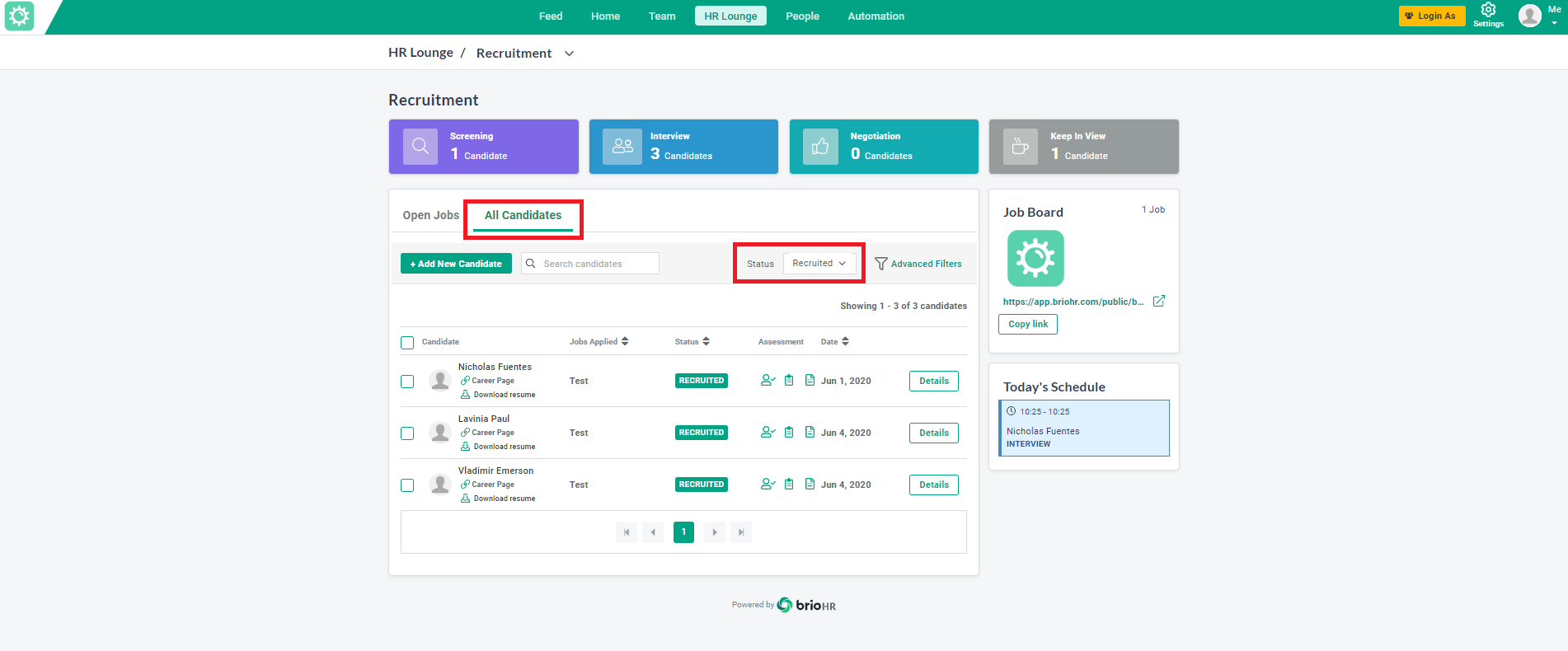
1. Go to HR Lounge > Recruitment.
2. On the dashboard, click on All Candidates.
3. In the Status field, select Recruited from the dropdown menu.
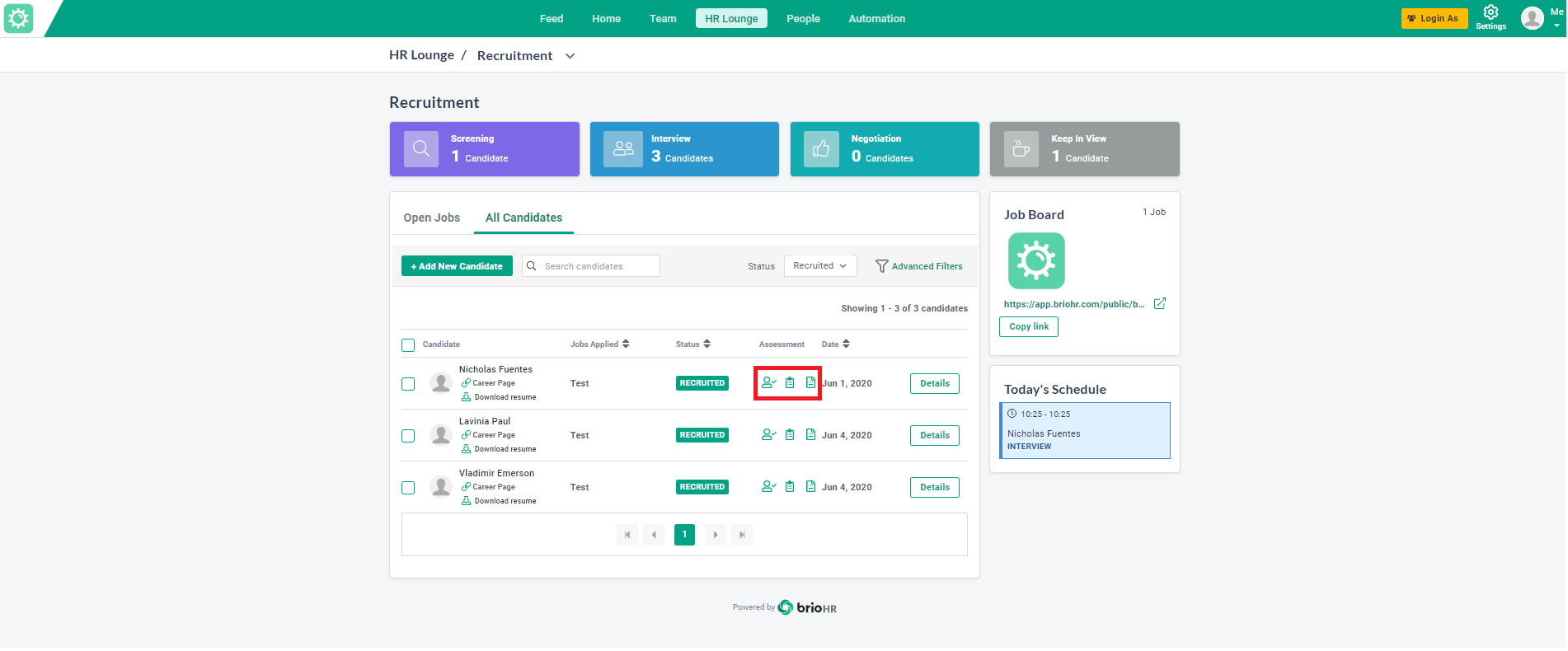
4. You can view the recruited candidate's Pre-Assessment, Scorecard, and Resume in the Assessment column by clicking the corresponding button.
Need Assistance?
If you have any questions or require assistance, please reach out to our support team via live chat or email us at support@briohr.com.