![brioHR-logo-color.svg]](https://support.briohr.com/hubfs/brioHR-logo-color.svg)
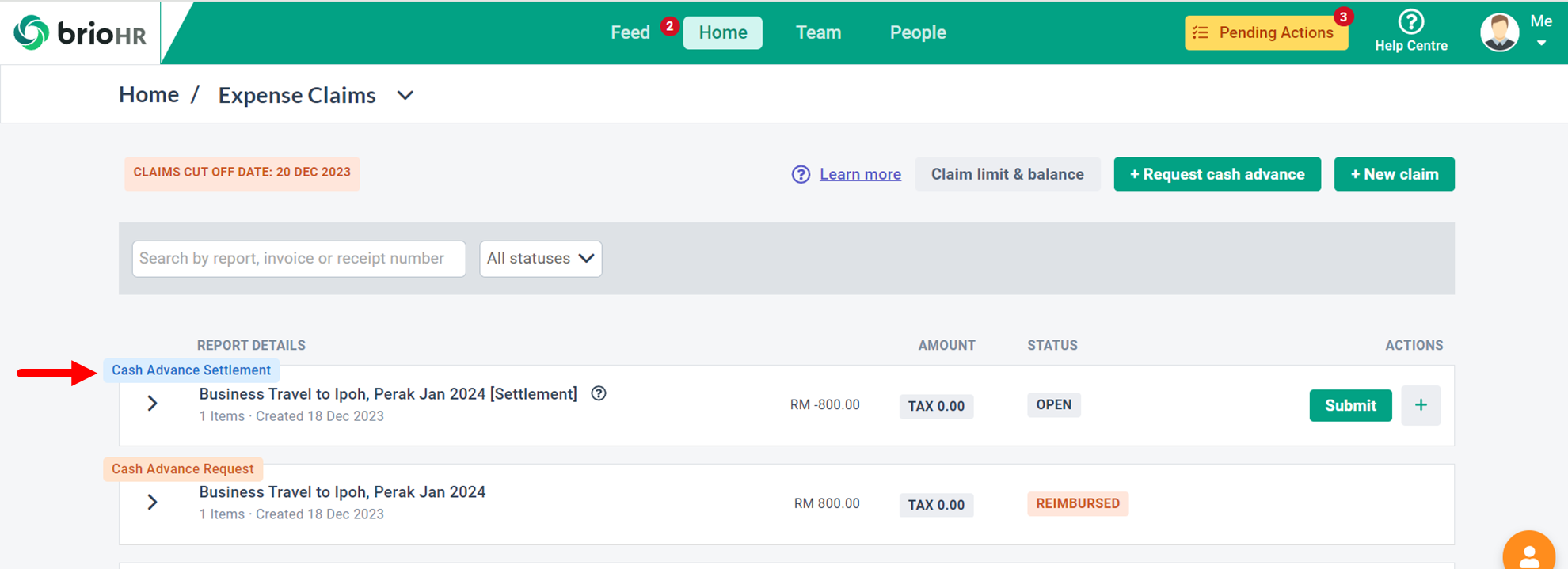
Upon reimbursing a cash advance request, a specific claim report labeled "Cash Advance Settlement" will be generated on your My Claim dashboard.
This report allows you to account for each transaction made using the reimbursed cash advance. It also determines if you have underused or overused the cash advance amount.
TIP:
You can also settle a cash advance on the brioHR mobile app (version 2.14.0 or later). The settlement report works the same way: the advance shows as a negative amount in red, and you add your actual expenses with + Add Claim Item.
A) Underutilized Cash Advance:
-
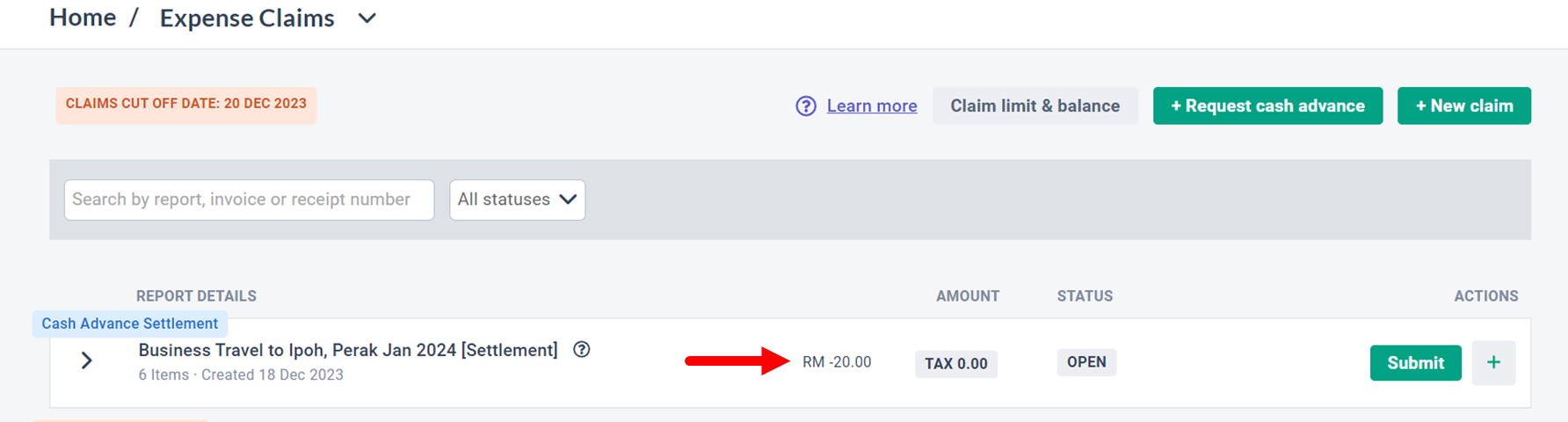
The amount will show as "negative," indicating that you have RM 20.00 remaining, which has not been used and is recorded in this settlement report.
-
If underutilized, the system will deduct the unused RM 20.00 from your upcoming payroll cycle as a "payback" to the company.
Example:
- Cash Advance Request: RM 800.00
- Cash Advance Utilization: RM 780.00
- Amount Underutilized: - RM 20.00 (This amount will be deducted in the payroll cycle to account for the unused amount.)
B) Overutilized Cash Advance:
-
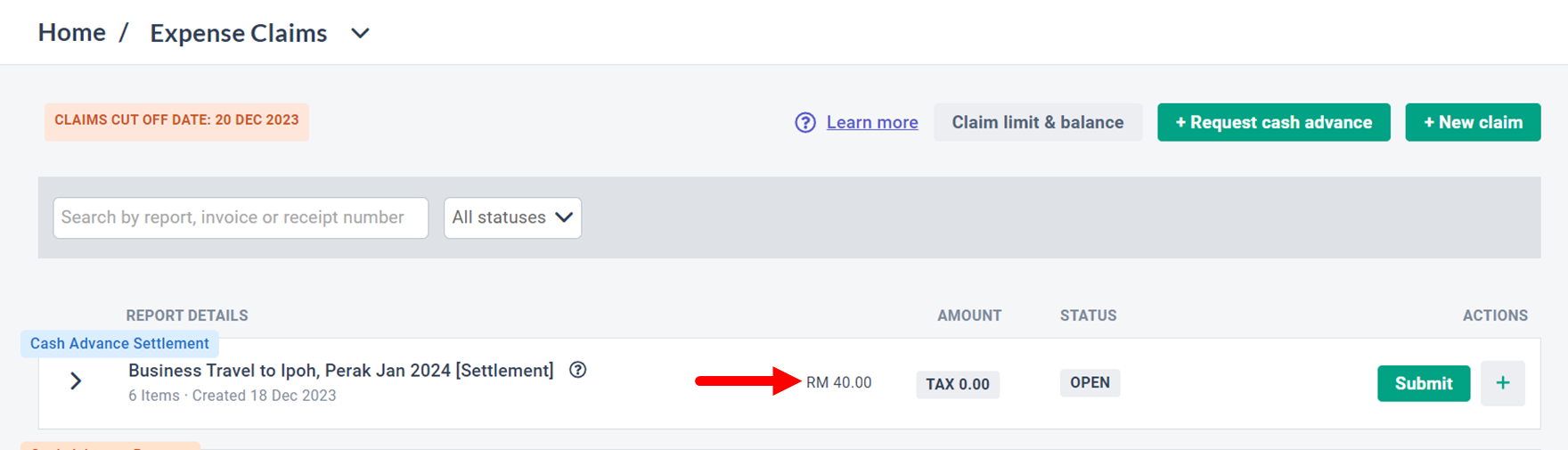
The amount will show as "positive," indicating that you have overused or overclaimed RM 40.00 in this settlement report.
-
If overused, the system will add an extra RM 40.00 to your upcoming payroll cycle to compensate for the overused amount from the initial cash advance request.
Example:
- Cash Advance Request: RM 800.00
- Cash Advance Utilization: RM 840.00
- Amount Overutilized: + RM 40.00 (This amount will be added in the payroll cycle to compensate for the overutilized amount.)
Need Assistance?
If you have any questions or require assistance, please reach out to our support team via live chat or email us at support@briohr.com.